Creating a bot account
To use Red you will require a bot account and to enable privileged intents. Both these steps will be covered below.
Creating the bot application
In order to use Red, we must first create a Fluxer Bot account.
Creating a Bot account is a pretty straightforward process.
Go to the Fluxer client.
Open the User Settings and navigate to the Applications tab.
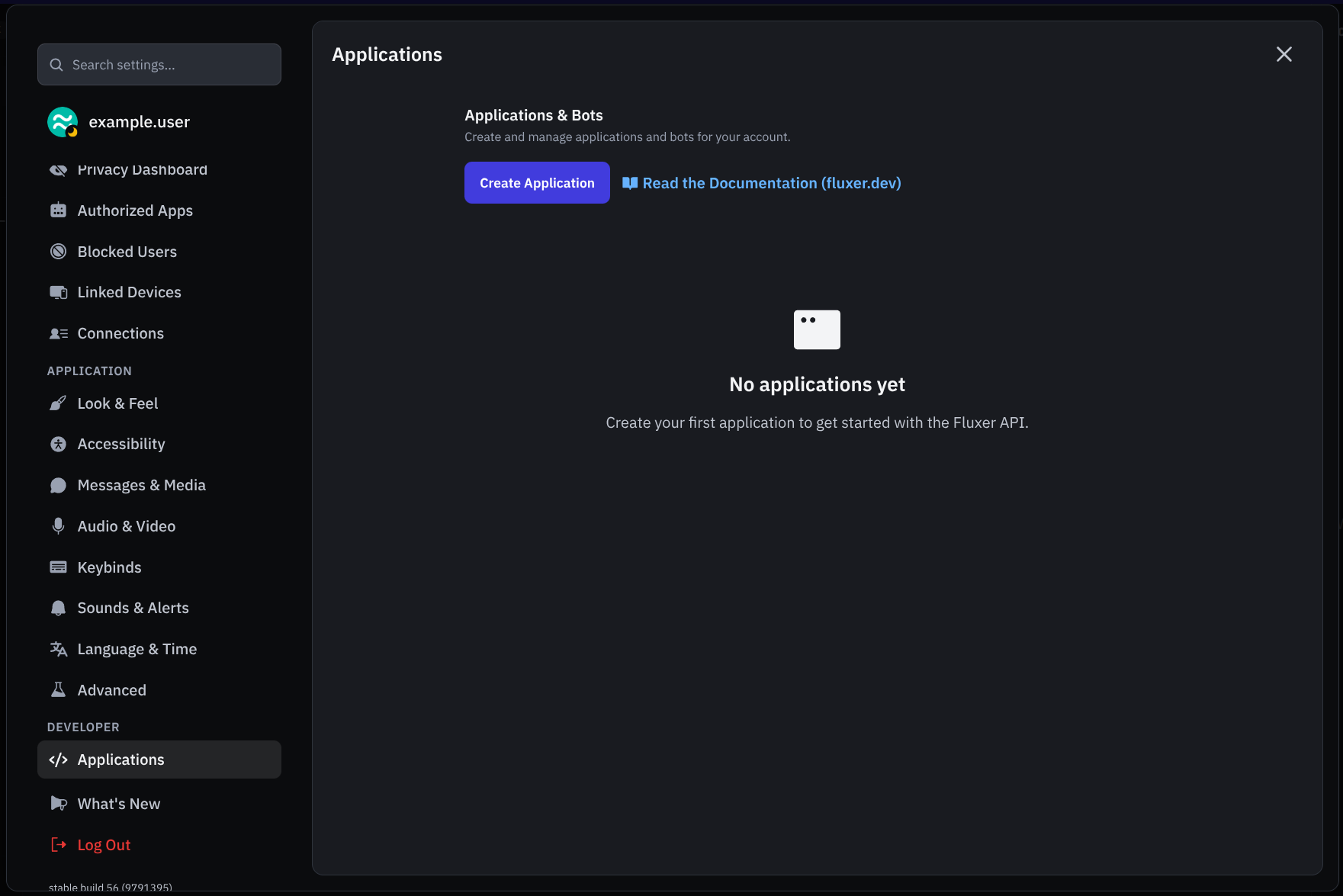
Click on the “Create Application” button.

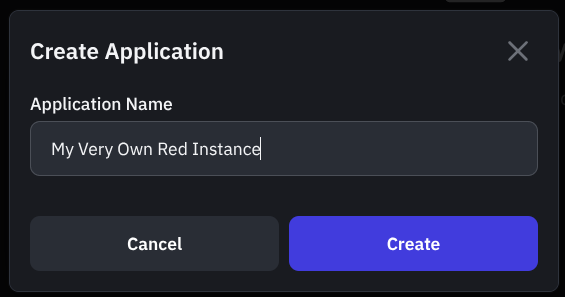
Give the application a name and click “Create”.
If you don’t want others to be able to invite your bot untick the Public Bot. When this is unticked, it will prevent others from inviting your bot to their servers and only you will be able to add the bot to servers (provided that you have needed permissions in the server you want to add the bot to).
Make sure Require OAuth2 Code Grant is unchecked.
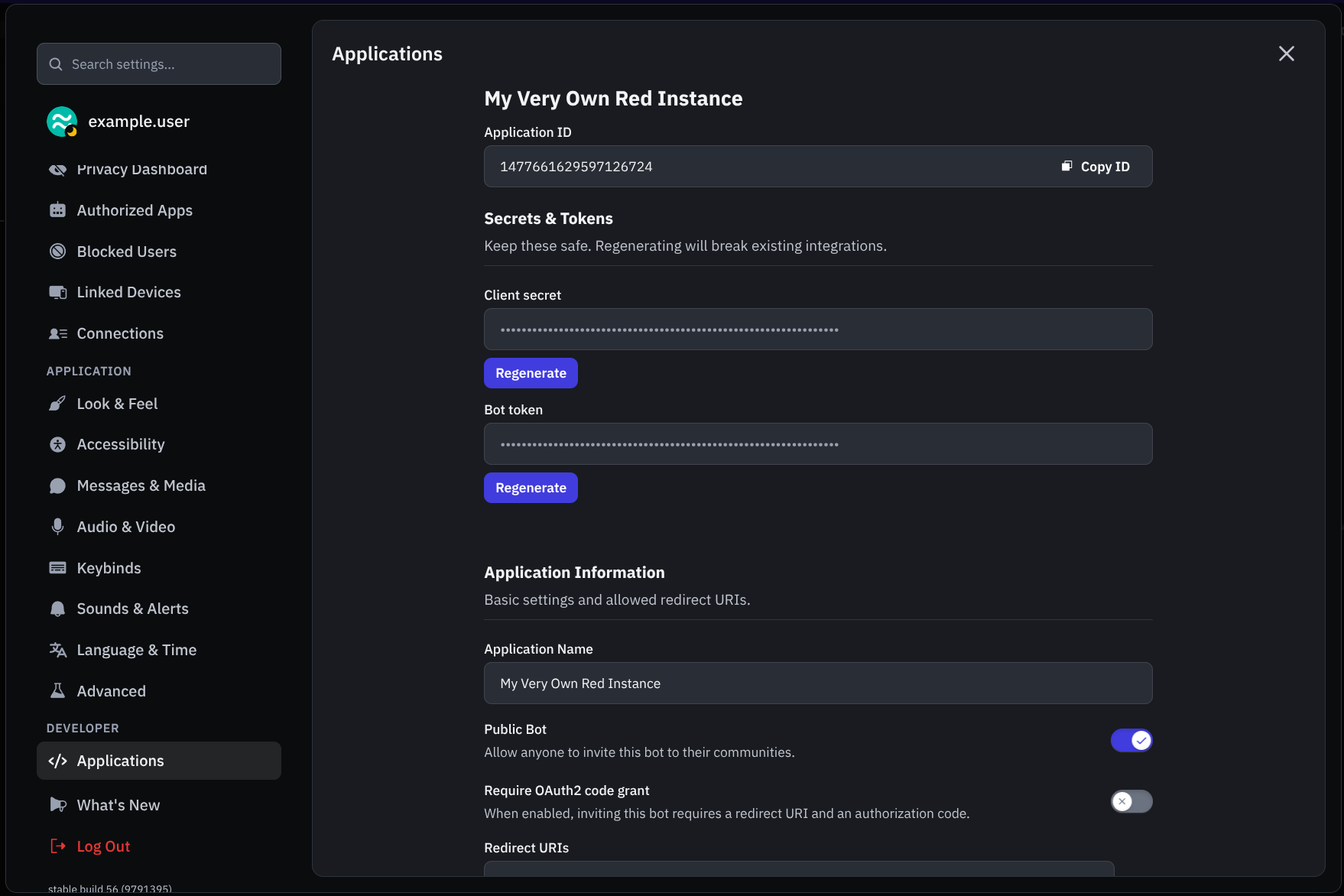
Acquire the token using the “Regenerate” button below the “Bot token” field, then “Copy” after it is revealed.
This is not the Client Secret at the General Information page
Warning
Do not share your token as it is like your password. If you shared your token you can regenerate it.